World Silva
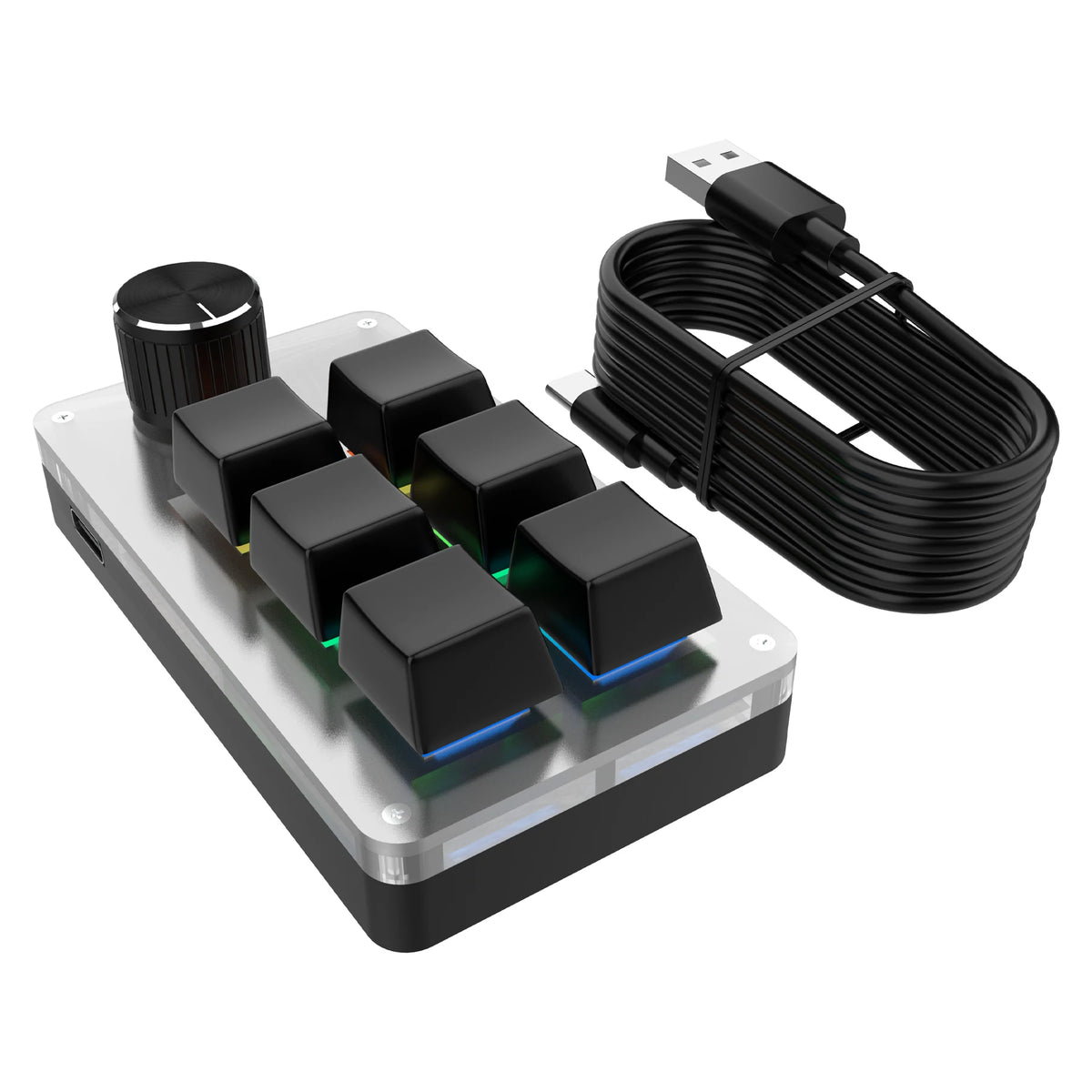
Gaming Mechanical Keyboard with 6 Keys and 1 Rotary Knob, Customizable RGB, Programmable, with Macro Functions, Hot Swap, and PS Support for Copy and Paste
Gaming Mechanical Keyboard with 6 Keys and 1 Rotary Knob, Customizable RGB, Programmable, with Macro Functions, Hot Swap, and PS Support for Copy and Paste
Couldn't load pickup availability
SPECIFICATIONS
Application: Desktop,LAPTOP,Number,Tablet
Battery Included: no
Certification: CE
Choice: yes
Style: Gaming,Mini,For Laptop,Multifunctional Keyboard
Operation Style: Mechanical
Switch Manufacturer: OUTEMU
Language: English
Keycup material: ABS plastic
Brand Name: GGBEE
Origin: CN (Origin)
Package: Yes
High Concern Chemical: None
Wrist Support: No
Full Size keyboard: No
Keyboard Standard: Mini Keyboard
Type: Wired
Interface Type: USB
Backlight Type: MULTICOLOR
Full Size keyboard: Yes
6 Keys 1 Knob RGB Mini Keyboard for Photoshop, USB Gaming Mechanical Keyboard, Custom Macro Gaming Keyboard with Custom Programming Knob.
Specification:
Material: Acrylic
Interface: Type-C
Keys: 6 keys 1 knob
Type: Custom
Software: Required
Color: Black/White
Functionality
•【Custom programming knob keyboards】:Customize your keyboard's functionality with the custom programming knob keyboards, allowing you to easily assign specific commands to certain keys.
•【RGB mini gaming keyboard】: This RGB mini gaming keyboard is perfect for those who want to add a special touch to their gaming setup while also improving typing speed and accuracy.
This is a mini keyboard with custom functions, used in design, stock, office, games, music, media, industrial control, testing, and other fields.
Large capacity rechargeable battery with low power consumption and long standby time.
Supports one-key copy and paste.
Driver not required, plug and play.
Metal knob, one-handed control for music skipping, volume, pause, previous song, next song, zoom in/out, previous/next page.
Step 1
Click the website link to download or scan the QR code to download.
https://drive.google.com/file/d/1k3Ees_tiSThPaRT059_yOJrZMBprVJfB/view?usp=sharing

Step 2


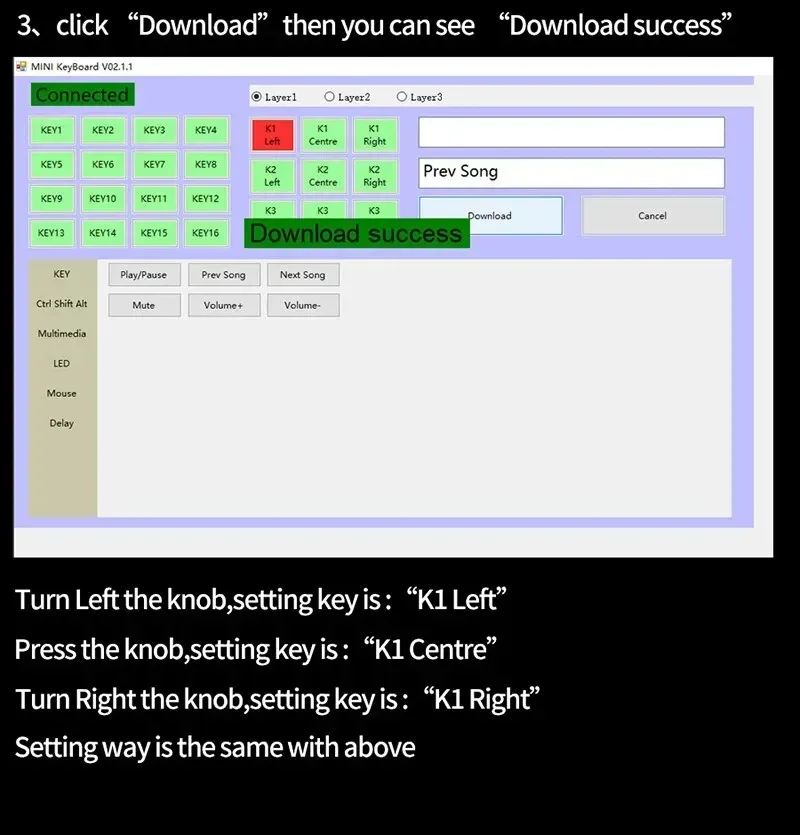
The color can also be set
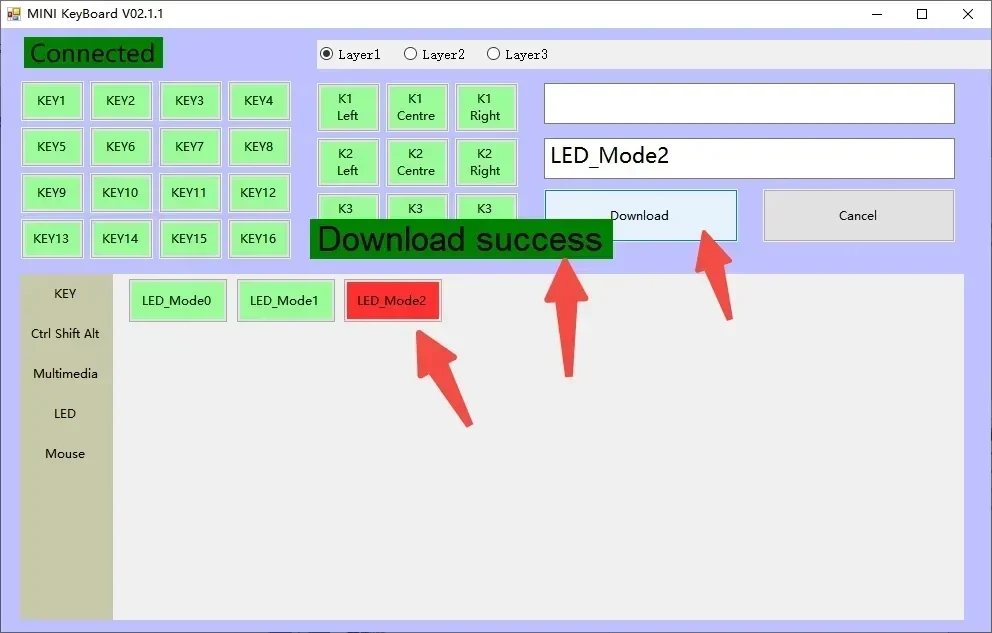
3 LED models for you to choose from

LED model 0
If you don't like the backlight, choose LED model 0 and turn off the backlight to save power.

LED model 1:
The recently pressed key will remain lit and the color will change after being pressed, making it easy to identify which key was pressed.
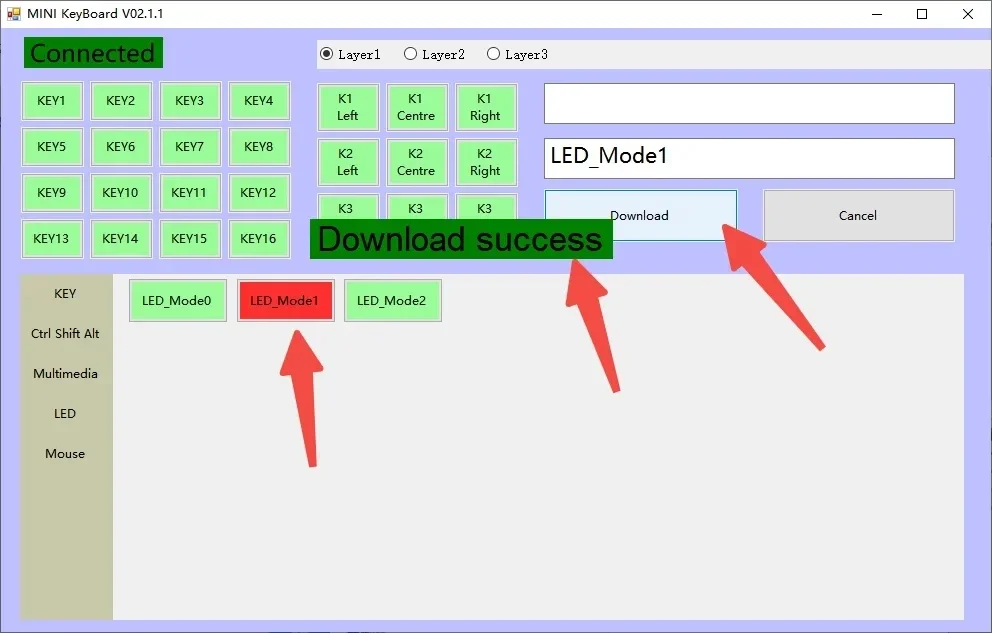
LED model 2
The color will dance from left to right and change automatically